
Meet the model
GPT Image 2.5 brings your ideas into focus
Start with a description, a reference image or a specific edit. Explore how the model handles materials, composition and editing instructions, then see actual enhancement results from our tool.
From finer detail to ongoing creative work
Natural light and richer textures
Bring lighting, materials and composition together for more nuanced photographic detail.
Official example: a sailor repairing a net. The prompt combines skin texture, worn clothing, soft daylight and a film-like finish.
More precise local edits
Change a specified object while aiming to preserve the surrounding composition, lighting and other elements.
Official example: replace white chairs with wooden chairs while keeping the camera angle, room lighting and floor shadows.
Consistent characters across scenes
Use a character reference to carry appearance and visual style into a new scene.
Official example: continue a forest hero’s picture-book story. A new scene helping a squirrel retains the character’s outfit, facial features and watercolor style.
Where could it fit into your work?
These are model use cases. Available workflows depend on the platform and tools you use.
Product and packaging concepts
Explore materials, packaging colors and display settings before refining a design.
Posters and text-based visuals
Bring headlines, labels and imagery into one composition. Proofread every word before delivery.
Comics and storyboards
Tell a story across frames, checking character appearance, action and scene continuity.
Process and educational diagrams
Organize relationships into labeled, structured visuals. Verify the data and connections.
Make your creative brief specific
When using a generation or editing tool that accepts prompts, start with these three steps.
Describe the purpose and scene
Explain where the image will be used, then specify the subject, composition, aspect ratio, lighting and style.
Define what changes and what stays
Identify the object to edit and the text, character features and background that should remain.
Review and refine in small steps
Check content before fine detail. Focus each revision on one issue so changes are easier to assess.
Actual enhancement results from our tool
These project samples were processed by our existing AI service. They show the results of those enhancement requests, rather than tests of every creative use case above.
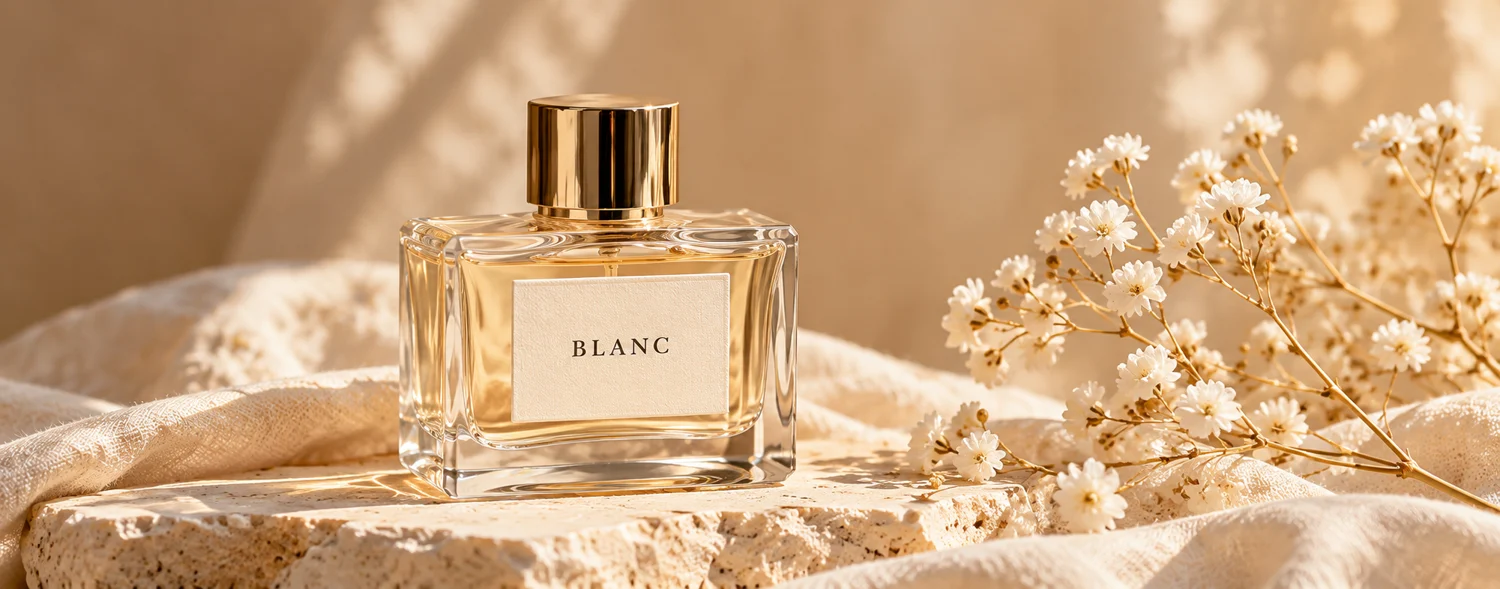
Actual AI processing example


2K request · Source 1500 × 589 · Actual output 2560 × 992 px
BLANC remains readable on the label in this result. Paper and fabric textures changed, along with reflections and edges of the bottle. Larger dimensions do not guarantee faithful packaging details; check them before commercial use.
Processed: 2026-11-01
A bundled sample processed through this tool’s existing AI workflow. Previews are only reduced and compressed to WebP, with no added blur or sharpening. Each image keeps its own proportions; this is not a 100% pixel comparison. The full PNG is the file returned by the service.

Actual AI processing example
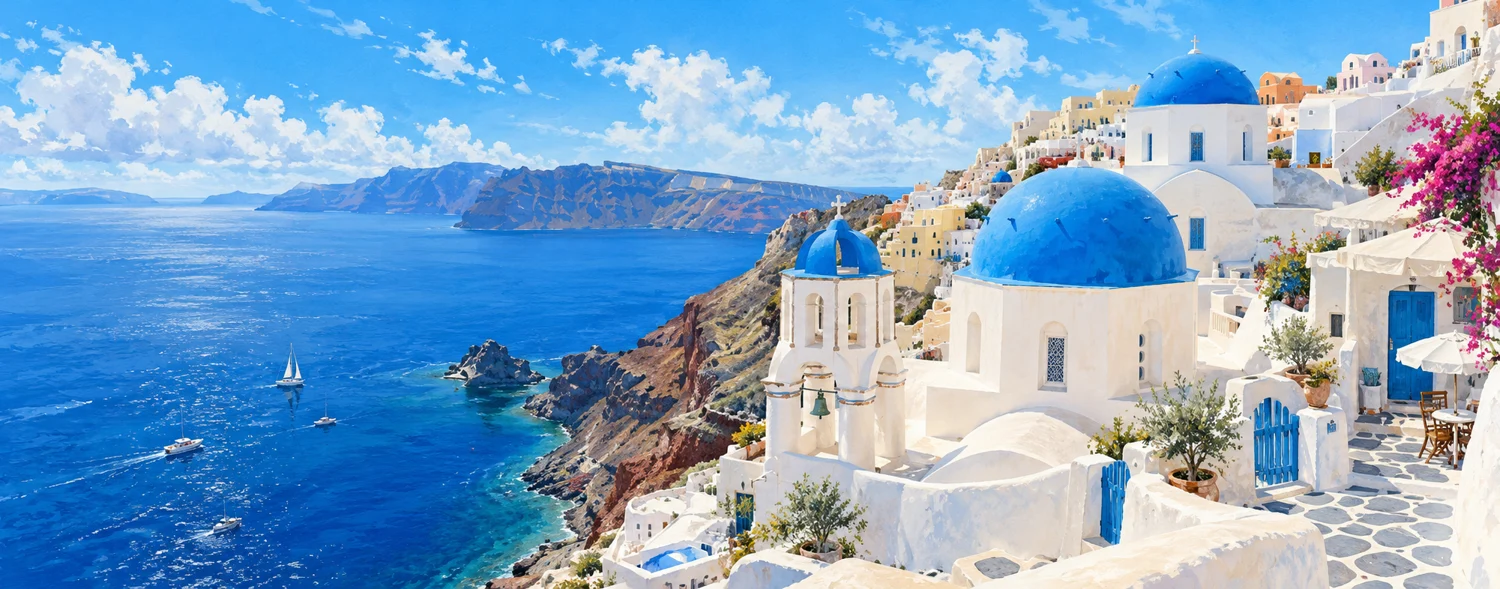
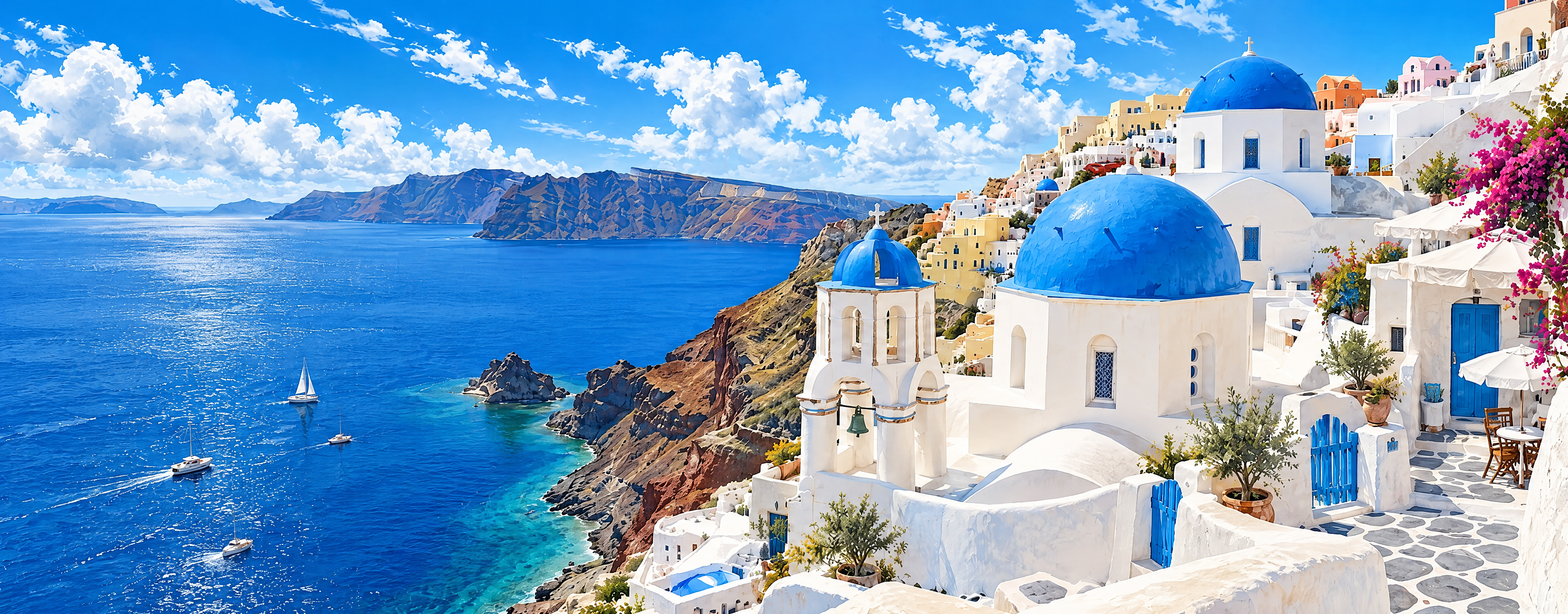
4K request · Source 1500 × 589 · Actual output 3840 × 1504 px
The blue roofs and white buildings remain recognizable, but wall textures, strokes on the sea and some architectural details changed. Use this example to assess large-screen display, without assuming every original brushstroke will be preserved.
Processed: 2026-11-01
A bundled sample processed through this tool’s existing AI workflow. Previews are only reduced and compressed to WebP, with no added blur or sharpening. Each image keeps its own proportions; this is not a 100% pixel comparison. The full PNG is the file returned by the service.
Frequently asked questions
What is GPT Image 2.5?
It is an OpenAI image model family for image generation and editing. Interfaces and available features differ across platforms.
Why use a reference image?
A reference helps communicate the subject, composition and style. It does not guarantee that every detail will be preserved. Review anything that needs to be accurate.
Can I generate an image from a prompt on this site?
Our current tool focuses on enhancing uploaded images and does not offer a free-form prompt interface. Other model capabilities are available through relevant platforms.
Will the 4K option recover every missing detail?
No. AI may generate new textures, and actual dimensions may differ from the request. Compare text, logos and product details against the source.
Explore further
Model capabilities draw on OpenAI’s official introduction. The use-case structure takes inspiration from CapCut’s product page.