Illustration and anime image upscaler
Give digital paintings, illustrations and anime-style art more room: upload your artwork, choose 2K or 4K, and check lines and colors before you download.
Upload an image to upscale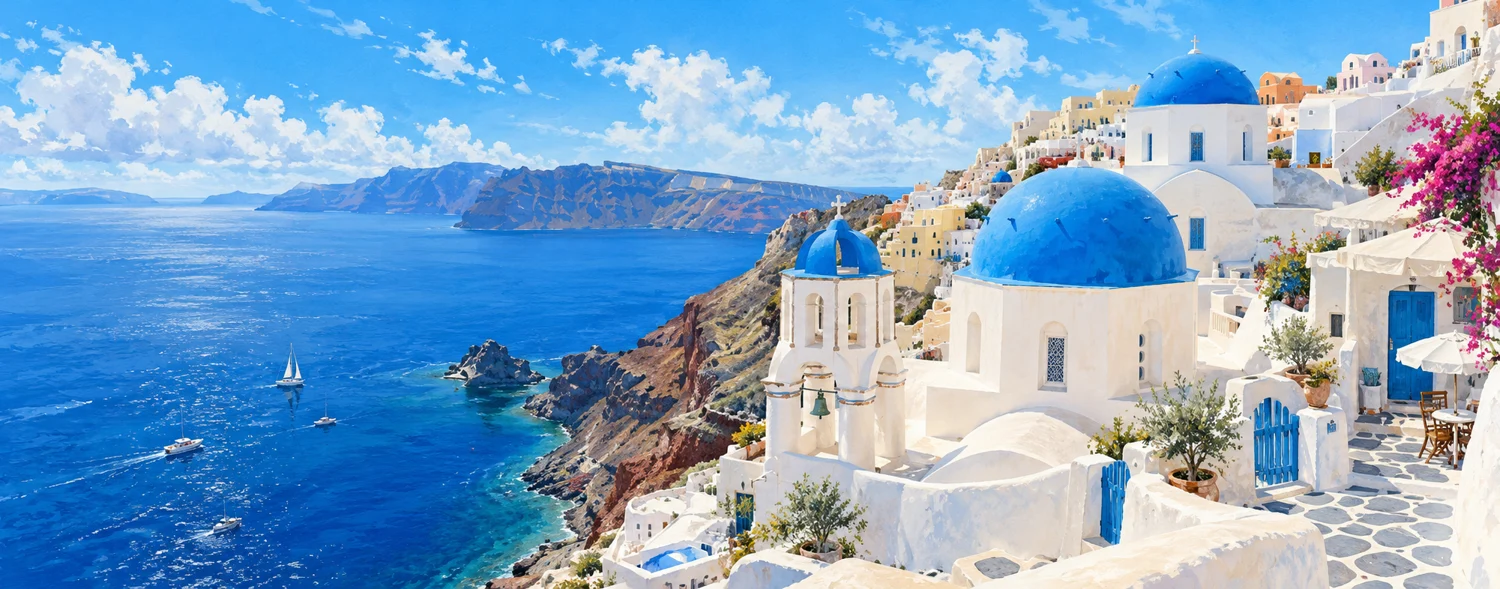
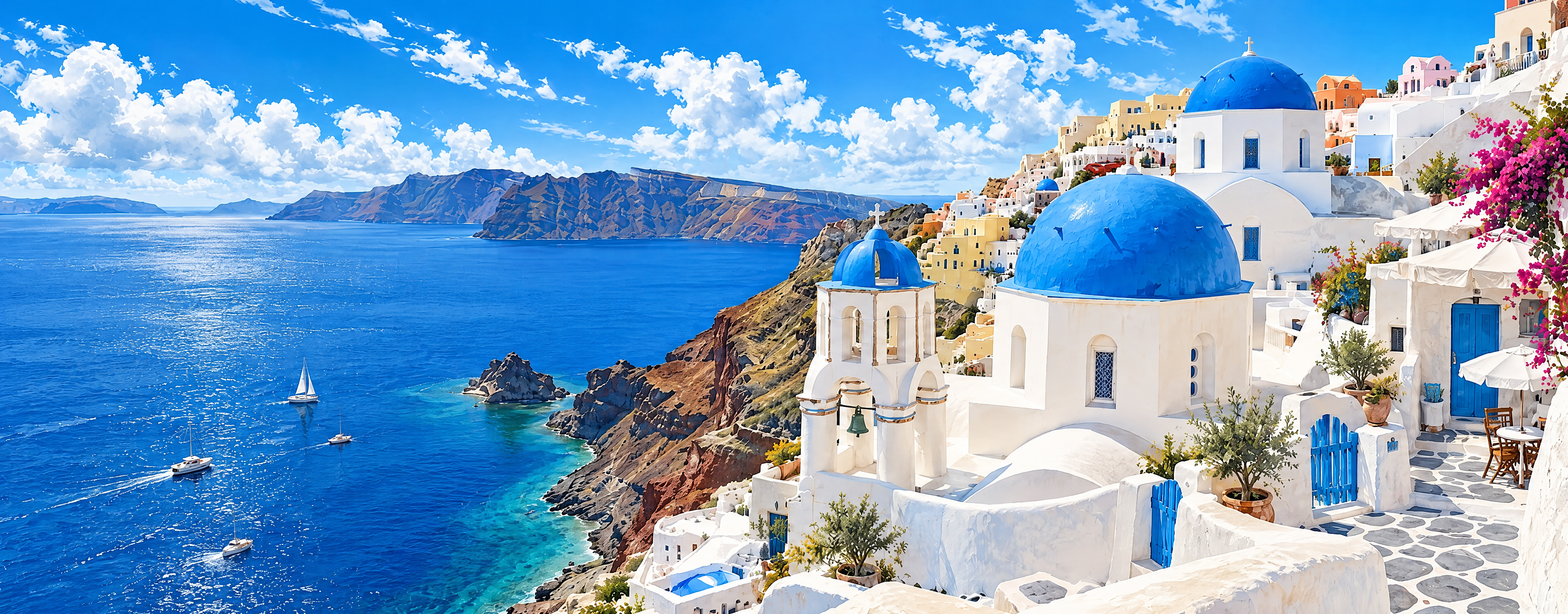
Actual AI processing example
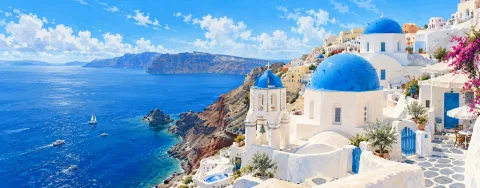
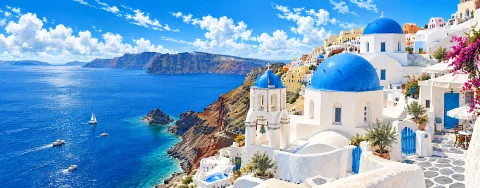
4K request · Source 1500 × 589 · Actual output 3840 × 1504 px
The blue roofs and white buildings remain recognizable, but wall textures, strokes on the sea and some architectural details changed. Use this example to assess large-screen display, without assuming every original brushstroke will be preserved.
Processed: 2026-11-01
A bundled sample processed through this tool’s existing AI workflow. Previews are only reduced and compressed to WebP, with no added blur or sharpening. Each image keeps its own proportions; this is not a 100% pixel comparison. The full PNG is the file returned by the service.
What artwork it suits
Digital paintings, illustrations, anime-style images and design drafts are all worth a try. Small images with clean lines upscale best.
Check lines and flat color
View line edges, flat color areas and gradients at 100%. AI may thicken or thin lines, or add texture to flat areas.
Text and signatures
Text, signatures and watermarks are the most likely to change. Where text matters, overlay the original text again in your design tool.
If you have vector or layered files
Exporting a large size from vector or layered source files usually gives better results than upscaling a bitmap.
Frequently asked questions
Will upscaling change my art style?
AI tries to keep composition and colors, but it may change details and brushwork, so compare it with the original.
Which formats are supported?
Static JPG, PNG and WebP images up to 10 MB.
Should I choose 2K or 4K?
2K is usually enough for screens; choose 4K for print or large displays. 4K costs 18 credits and 2K costs 8 credits.