
Turn a photo into a 4K HD wallpaper
Favorite photo looks blurry as a wallpaper? Upload the original, choose 2K or 4K, and AI creates a larger, sharper version in the same aspect ratio for your desktop, laptop or phone.
Upload an image to upscale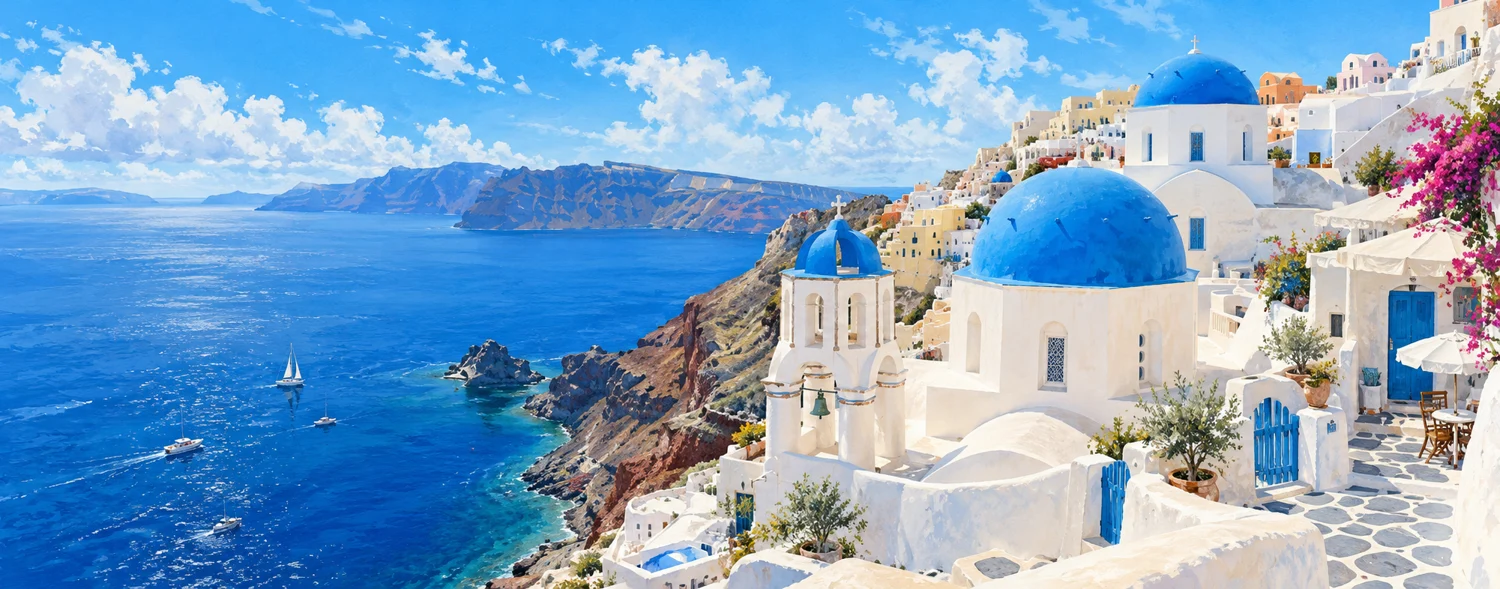
Actual AI processing example
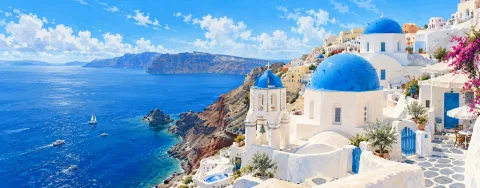
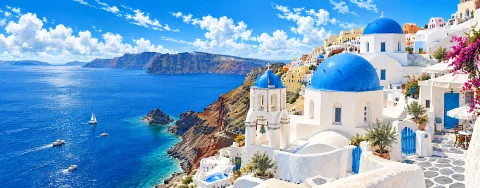
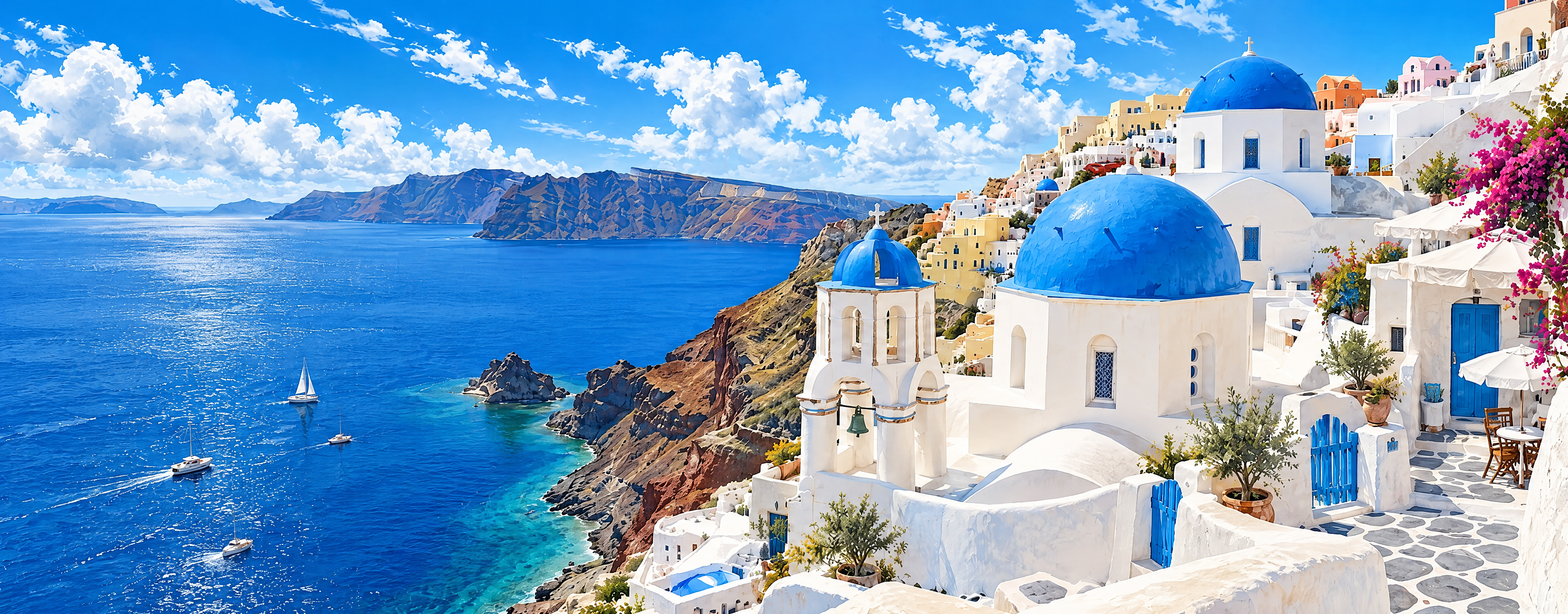
4K request · Source 1500 × 589 · Actual output 3840 × 1504 px
The blue roofs and white buildings remain recognizable, but wall textures, strokes on the sea and some architectural details changed. Use this example to assess large-screen display, without assuming every original brushstroke will be preserved.
Processed: 2026-11-01
A bundled sample processed through this tool’s existing AI workflow. Previews are only reduced and compressed to WebP, with no added blur or sharpening. Each image keeps its own proportions; this is not a 100% pixel comparison. The full PNG is the file returned by the service.
Why wallpapers look blurry
When a wallpaper has fewer pixels than your screen, the system stretches it to fill the display, and detail turns soft. Upscaling the photo to at least your screen resolution avoids that stretching.
2K or 4K?
2K is enough for 1080p and 1440p monitors. Choose 4K for 4K or ultrawide monitors, or when you want room to crop. 2K costs 8 credits and 4K costs 18 credits per image. 4K is experimental, and actual dimensions depend on the AI provider.
Landscape or portrait?
Upscaling keeps the original aspect ratio and never crops automatically. Use a landscape image for desktops and a portrait image for phones. If the shape differs a lot from your screen, crop it closer to your screen first; uploads need an aspect ratio between 1:3 and 3:1.
Which photos make good wallpapers
Landscapes, architecture and illustrations with a clear subject and a simple composition work best. Text and faces are the details AI is most likely to change, so check them at 100% before setting your wallpaper.
| Screen | Common resolution | Recommended |
|---|---|---|
| 1080p monitor | 1920 × 1080 | 2K |
| 1440p monitor | 2560 × 1440 | 2K |
| 4K monitor | 3840 × 2160 | 4K |
| Ultrawide monitor (21:9) | 3440 × 1440 | 4K |
| Phone (portrait) | Varies by model | Portrait image; 4K for high-resolution phones |
All sizes are in pixels. Output follows your image’s aspect ratio, and the AI result may differ. Check your phone’s specifications for its exact resolution.
Frequently asked questions
Will my wallpaper be 4K?
With 4K selected, a 16:9 landscape image is requested at 3840 × 2160, matching a 4K monitor. Other shapes follow the original aspect ratio. Actual dimensions depend on the AI provider.
Can I use it as a phone lock screen?
Yes. Upload a portrait image, download the result, then set it as your lock screen or home screen wallpaper in your phone’s settings.
Can I upscale wallpapers I downloaded online?
Only upload images you own or have permission to use, and follow the original creator’s terms.