
Enlarge pet photos: check fur, eyes and motion blur
Choose a better cat or dog photo, then compare coat markings, pupils, whiskers and outlines after processing.
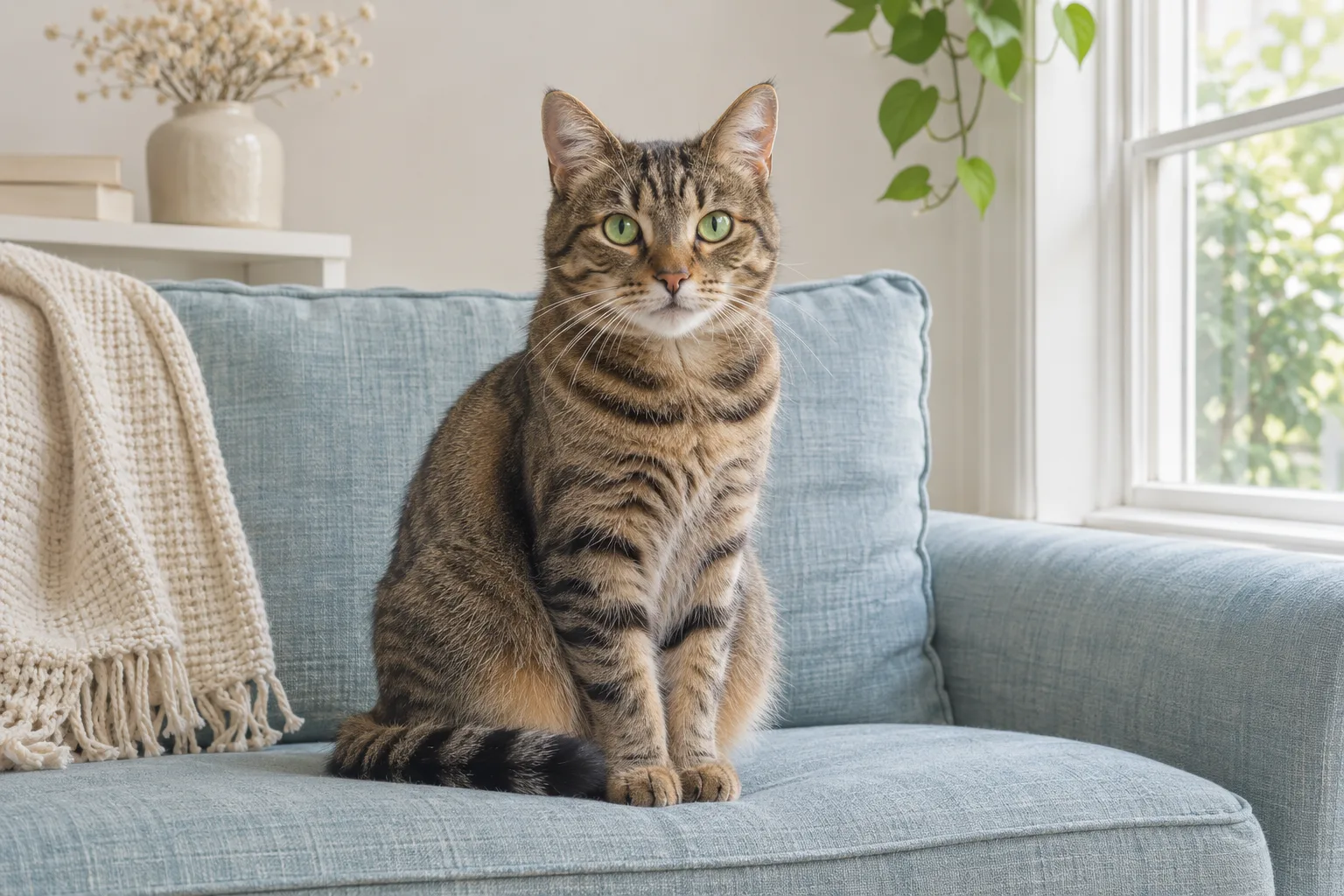
Choose a frame with focused eyes
From a burst, choose an original with clearer eyes and nose detail. Low-light photos can combine noise and motion blur. Smoother fur does not mean recovered detail. Look for a version that has not been compressed by a messaging app.
Separate fur detail from invented texture
At 100%, compare the back, ear tips and chest. Check stripes, spots and coat-color boundaries. AI may create fine texture that does not belong to this pet; identifying marks matter more than the appearance of extra fur.
Review eyes, whiskers and background together
Compare pupil shape, gaze and highlights. Look for whiskers that split, break or merge with the background. At the intended display size, check for halos around fur and distracting background changes.
Prepare a framed photo
Choose the frame ratio and calculate pixels for the print size. Avoid cutting off ears or tails just to fill the frame. If motion trails are severe or the face is unreadable, another original is usually a better starting point than repeated generation.
| Situation | Suggested action | What to check |
|---|---|---|
| Indoor low light | Find the original and check eye focus | Noise turned into false fur |
| Long-haired pets | Inspect ear tips and chest | Halos, merged strands and repetition |
| Keepsake prints | Keep the source and test-print | Coat markings and familiar features |
Identifying features may change. The tool does not guarantee preservation of every strand or recovery of information the camera never recorded.